



⌘K and keys
The ⌘K palette, and every key the app answers to, page by page.
Reach any stack, service or command from the keyboard, and look up every key.
Press ? (or ⌘/) anywhere in the app for the same list, and for what each state word means.
⌘K: search or do
Section titled “⌘K: search or do”⌘K, or Search or do at the top right, opens the palette on every page. It reaches across every stack on the machine.
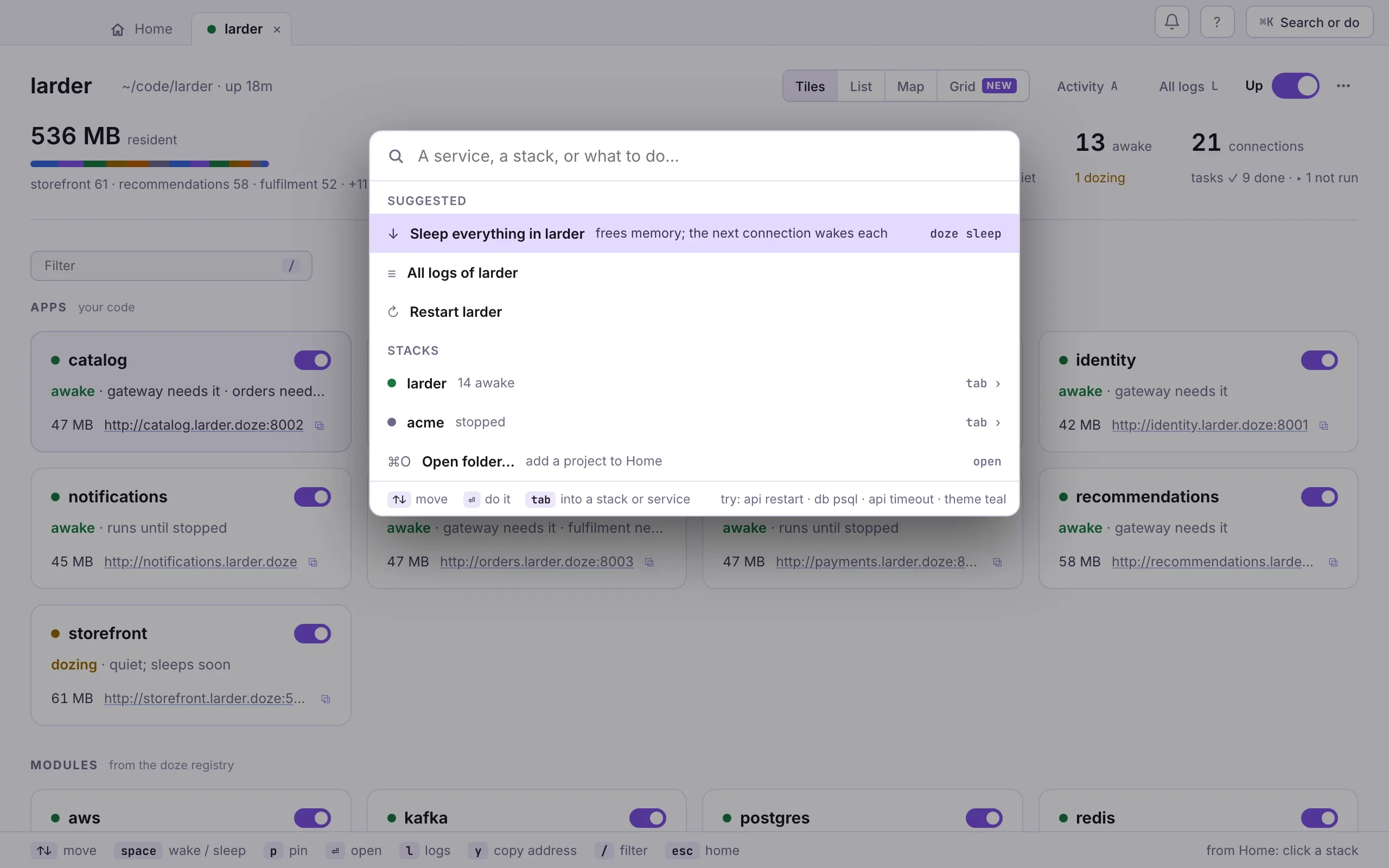
With nothing typed it shows what is broken, a few commands for the page on
screen, what you did lately, and every stack. A command that has a doze twin
shows it, such as doze sleep.
Type to search, then:
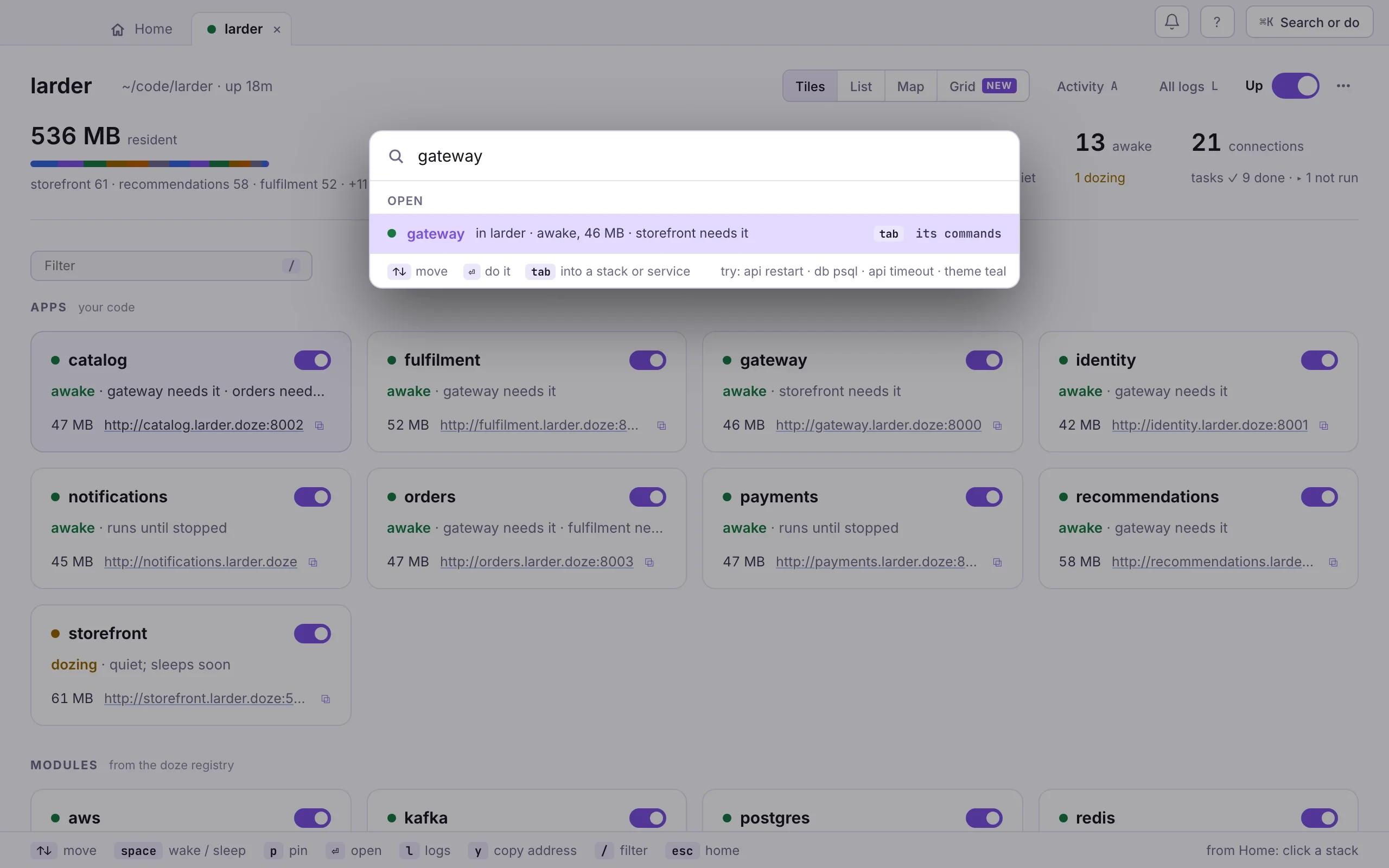
- A name finds a service or a stack. ⏎ opens it.
- tab on a name narrows the palette to its commands: restart, logs and the rest. ⇧tab, or ⌫ in an empty box, steps back out.
- A name, then words is a command for it (
gateway restart,postgres psql) or, when the words are not a command, a search of its logs (gateway timeout). - A verb, then a name works too:
sleep postgres,logs gateway. theme tealchanges the colour theme.
A copy says so in place and leaves the palette open for the next thing.
Anywhere
Section titled “Anywhere”- ⌘K
- search a name, or type a verb and a name
- ⌘0
- Home
- ⌘1–9
- a stack's tab
- ⌘O
- open a folder
- esc
- up a level: a service or the logs to its stack, a stack to Home
- ⌘[ ⌘]
- back, forward, the way you came
- ⌘L
- all logs of the stack
- ⌘⇧N
- Needs you: what is broken or worth doing
- ⌘,
- Settings
- ? ⌘/
- every key, and what the words mean
- ⌘W
- close the window; stacks keep running
- ⌘Q
- quit the app; stacks keep running
- ⌘⇧D
- open doze, from the menu bar
- ↑ ↓ j k
- move
- space
- bring the stack up or down
- ⏎
- open the stack
- ⌫
- remove from doze; files stay
A stack
Section titled “A stack”- 1–4
- Tiles, List, Map, Grid
- ↑ ↓ j k
- move
- space
- wake or sleep the selected one; a task: run it
- ⏎
- open it
- w s
- wake, sleep
- p
- pin it awake, or unpin
- r
- restart it; a task: run it
- l
- its logs
- y
- copy its address
- /
- filter
- A
- Activity
- L
- all logs
When the stack is stopped, space starts it with the selected service, u brings it up as last time, and c chooses what starts.
In the Map, the arrow keys move between cards the way they are drawn. In the Grid, an arrow key or ⏎ moves into the table; there the arrows move between cells, ⏎ opens the service of that column, o opens the row, space wakes or sleeps it, and / filters rows.
A service
Section titled “A service”- esc
- up to the stack
- w s
- wake, sleep
- p
- pin it awake, or unpin
- r
- restart; a task: run it
- o
- open in a browser
- y
- copy its connect line
- l
- its logs
- ⏎
- a task: run it
A crashing service: r tries now, s stops trying. While a console tab has the keyboard, letters are the console’s own actions.
- /
- filter the text
- 1–4
- level: debug, info, warnings, errors
- t
- relative or clock time
- [ ]
- earlier, later run
- space
- pause or follow
- c
- copy what is shown
Needs you, dialogs and Settings
Section titled “Needs you, dialogs and Settings”- ⏎
- Needs you: apply an item's fix
- ⌘⏎
- Needs you: show the item
- n
- Needs you: not now
- y n
- a restart question: yes, no
- c
- Settings › Machine: copy the report
The same as commands
Section titled “The same as commands”Every key is a doze command too, for scripts and CI:
doze sleep postgres # sdoze wake postgres # wdoze pin postgres # pdoze restart gateway # rdoze logs gateway # ldoze url gateway # yNext: Menu bar and notifications.