



doze docs
doze runs your whole stack on your laptop: your apps, Postgres, Kafka, a local AWS. Each service wakes when called and sleeps when nothing uses it. Start in the app; every step is a command too.
Start here
- 1Install the appOne Homebrew line on a Mac with Apple silicon. Linux and the CLI on their own are on the same page.
- 2Your first stackOpen a project, flip it Up, and watch each service wake on the map.
- 3Bring your own repoDrop your folder on the window. doze shows what it found and writes
doze.hcl. Coming from docker-compose is covered here too.
I want to…
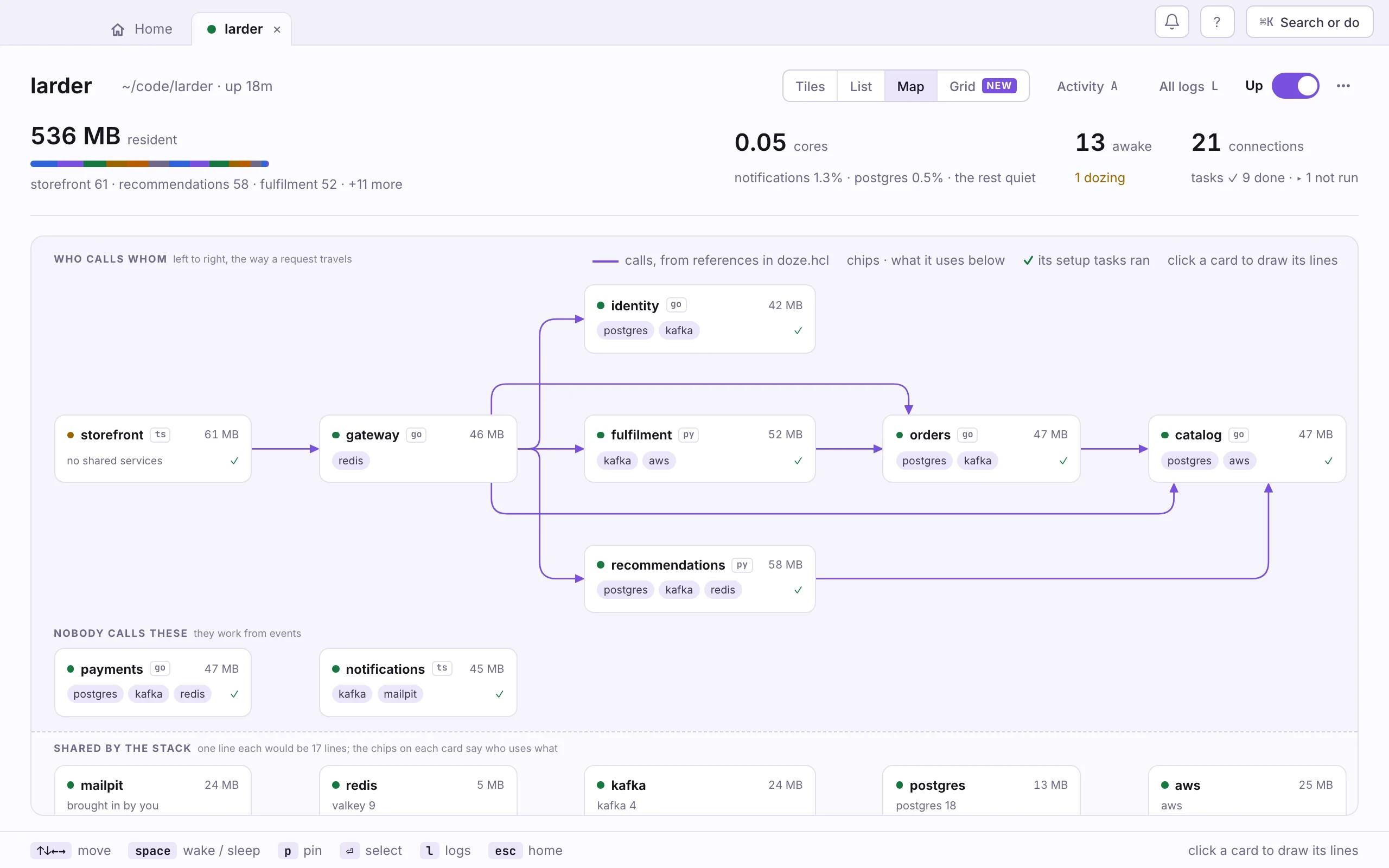
Start my first stackOpen the Larder example and bring it up in the app.Start here › Your first stackBring my repoAdd your project, with or without a compose file.Start here › Bring your own repoSee what's runningTiles, List, Map and Grid: four views of the same stack.The app › Tiles, List, Map and GridFix something that brokeA crash, a port already taken, a doze.hcl saved broken.The app › When something breaksAdd Postgres, Kafka or AWSOne block in doze.hcl, or
doze add postgres.ServicesUse my own domainA real name like dev.acme.com, over https, on your machine.The app › Domains and HTTPSLook something up
New in 0.2
- The app, redrawn. The Library first, then Tiles, List and Map per stack, and ⌘K across every stack.
dozeopens the app. Over SSH it is still the terminal dash.- Your own domain, over https.
domains = ["dev.acme.com"]on an app, thendoze trust. - One word for order.
afterreplacesdepends_on. - Mistakes say what to do. The file, the line and the fix.
- Services sleep after 2 minutes, not 5.
0.2 is the next release; it is not out yet. The full changelog →